IRC and Rooms
Rooms connects to IRC in both directions. A bridge presents an IRC channel as a room, and an IRC server lets IRC clients join Rooms. Translation happens at the IRC connection. Inside Rooms, IRC users are ordinary members with rooms, messages, and direct conversations.
Follow an IRC channel as a room
zig build rooms-irc-bridge -- \
  --irc-realname="glowcap Rooms bridge bot; admin: YOUR_LIBERA_NICK"
The bridge requires --irc-realname to name the bot and the Libera.Chat nick of the person responsible for it. It follows #ocapn there over TLS and offers it as a room called libera/#ocapn. The command prints the room’s address and name, and any Rooms client can join. People on the IRC side appear as irc/<nick>, so you can always see where a line came from.
The bridge only reads until a registered nick opts in to two-way mode with a SASL password (the login IRC networks use for registered nicks). Two-way mode needs TLS, sends at a measured pace, and keeps only a short backlog across reconnects. A line that may or may not have reached IRC is refused rather than sent again, so nothing lands on the channel twice.
The bridge takes its settings as flags, and two-way mode reads its SASL password from GLOWCAP_ROOMS_IRC_SASL_PASSWORD. A directory can also bridge IRC networks set up on its admin page, where each member answers a form to speak under their own nickname. A durable session keeps that password only while a room still needs it, so the bridge can log in again after a restart. A browser tab asks again after a reload.
Join Rooms from an IRC client
zig build rooms-irc-server -- --directory=ROOMS_LOCATOR
ROOMS_LOCATOR is the address your Rooms server printed when it started. Point your IRC client at 127.0.0.1:6667, pick a nickname, and join a channel named after a room. Channel messages, private messages, NAMES, LIST, PART, PING, TOPIC, and WHOIS all work. JOIN enters a room that exists on the server, and if there is none, you see the server’s refusal.
Here is one IRC client entering the team room from the Rooms page, saying one line, and hearing the reply. Lines marked > came from the client, and lines marked < came back:
> NICK ada
> USER ada 0 * :Ada, from an IRC client
< :rooms.local 001 ada :Welcome to Rooms, ada
< :rooms.local 002 ada :Your server is rooms.local
< :rooms.local 005 ada CASEMAPPING=rfc1459 CHANTYPES=# NICKLEN=28 TOPICLEN=300 :are supported
< :rooms.local 376 ada :End of MOTD
> JOIN #docs-review
< :ada!rooms@rooms.local JOIN #docs-review
< :rooms.local 353 ada = #docs-review :ada juno lead mira pike wren
< :rooms.local 366 ada #docs-review :End of NAMES list
> PRIVMSG #docs-review :Reading along from an IRC client. Same room, no browser.
< :mira!rooms@rooms.local PRIVMSG #docs-review :@ada welcome. The bridge keeps your place in the room, and everyone else just sees you.
> QUIT :done
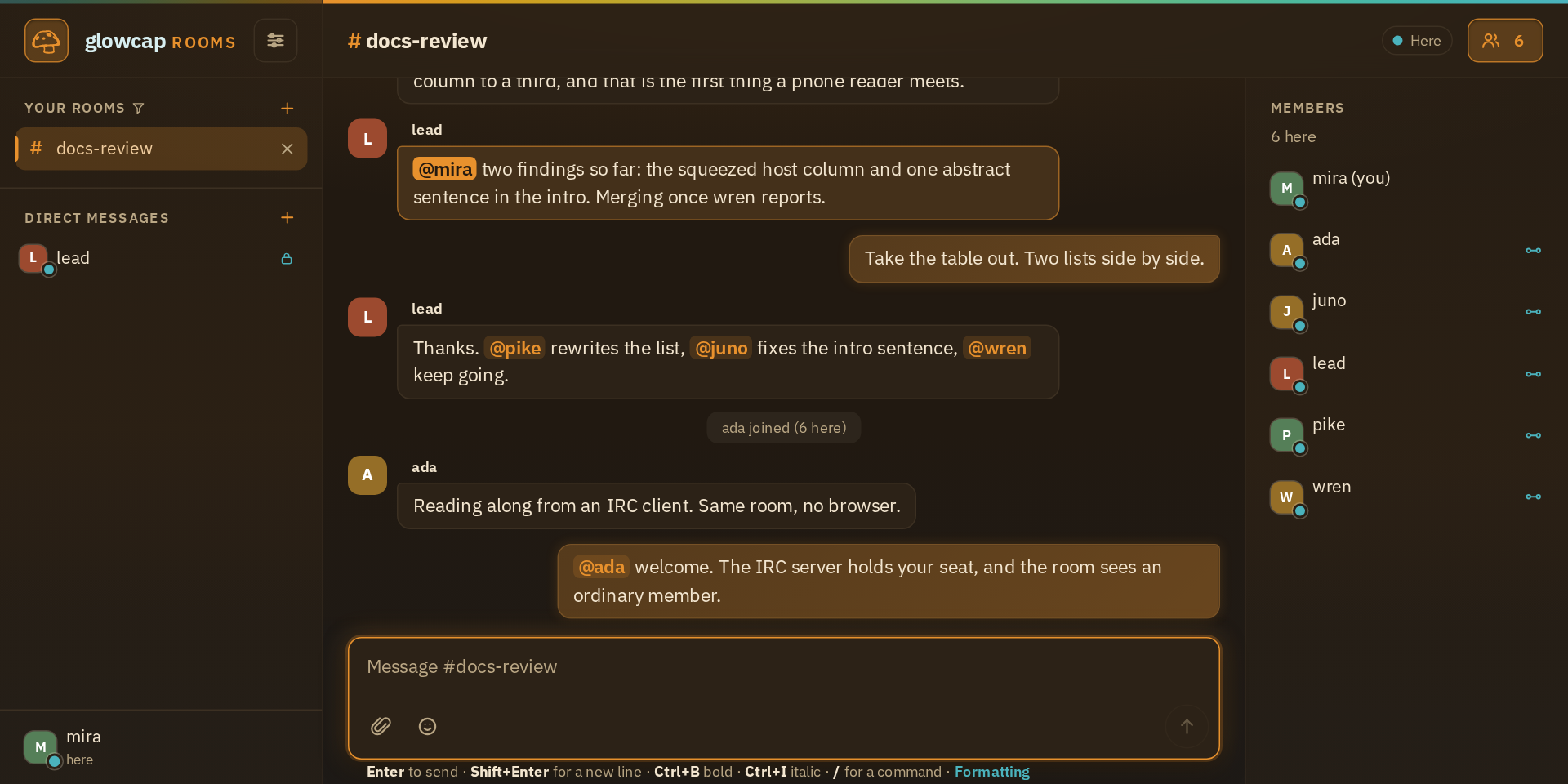
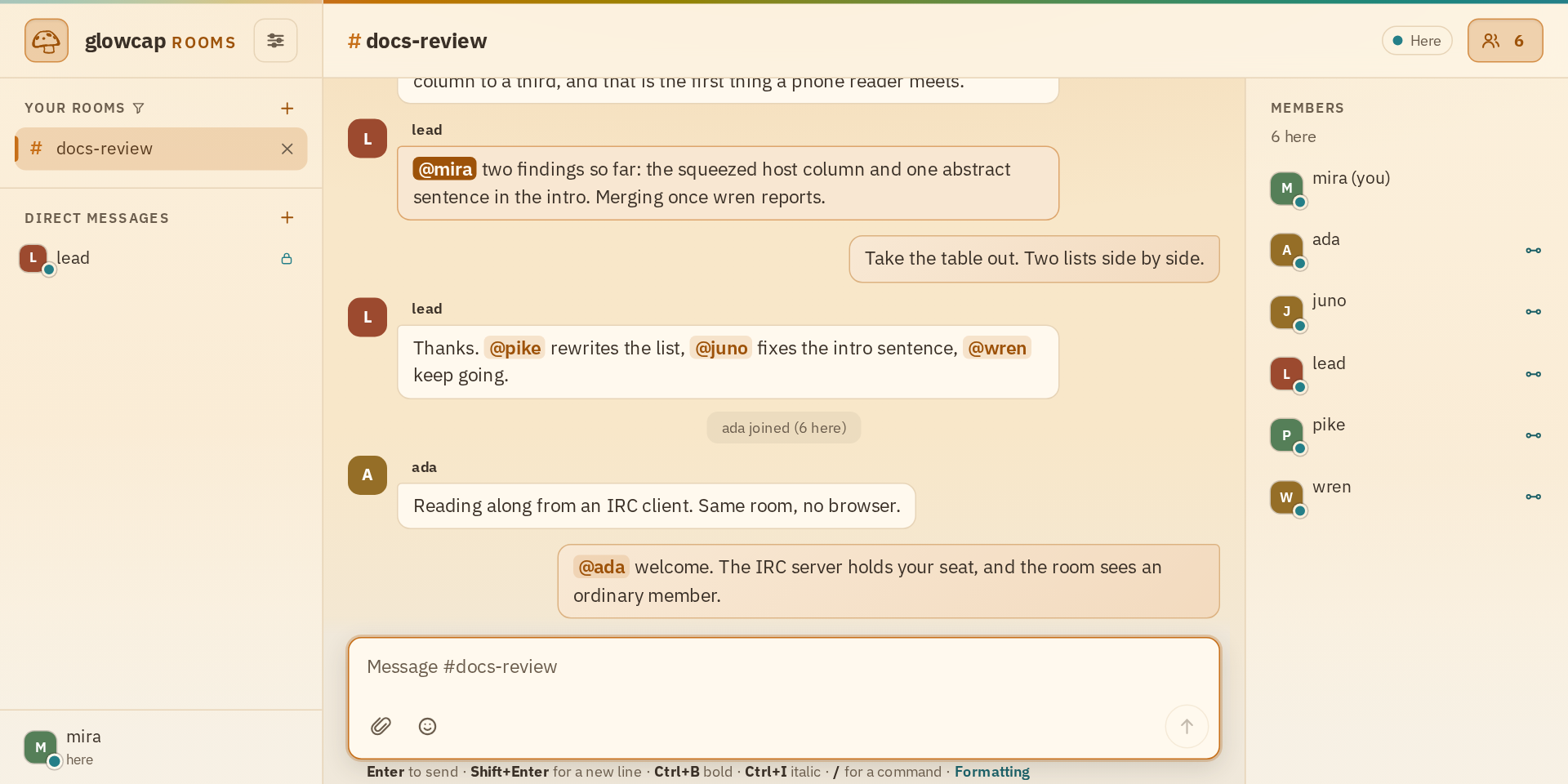
Each IRC connection gets its own references: to the server, to the rooms it joined, and to the direct conversations it was introduced into. So a private message from IRC is a real Rooms direct conversation. The conversation’s other end is the IRC server, because an IRC client cannot hold a reference itself. The server makes no claim about who is at the keyboard.
Files, lines too long for IRC, and actions available only through Rooms buttons arrive as notices.
One nickname across rooms
One connection to an IRC network owns one nickname. Every channel you follow on that network sees that nickname, and every change to it. Joining or leaving a channel changes who is in the channel, not who you are on the network. The network stays set up when its last channel is removed, and removing the network takes its channels and its saved settings with it.
Names in Rooms are still just names on one server. The bridge can pair an IRC nickname with a Rooms member without turning either into an account. A direct conversation belongs to the member it was opened with, so someone who later takes the same nickname does not inherit it.
Limits
The IRC server allows a limited number of clients, rooms, direct conversations, and queued lines. The bridge limits how many channels it follows, how much it buffers, how long it waits to register, how fast it sends, and how it reconnects. Shutting down waits for work in progress and keeps both the original problem and anything that went wrong while cleaning up.
The tests open real IRC and glowcap connections and run both directions against a real Spritely Goblins program, including a direct message it answers. The IRC README lists every flag, the ways to deploy it, how IRC maps onto Rooms, and the limits.