Your session holds the rooms you join and answers when someone messages you. Keep it on this device, share it with another, or run it on a server to stay connected while your browser is closed.
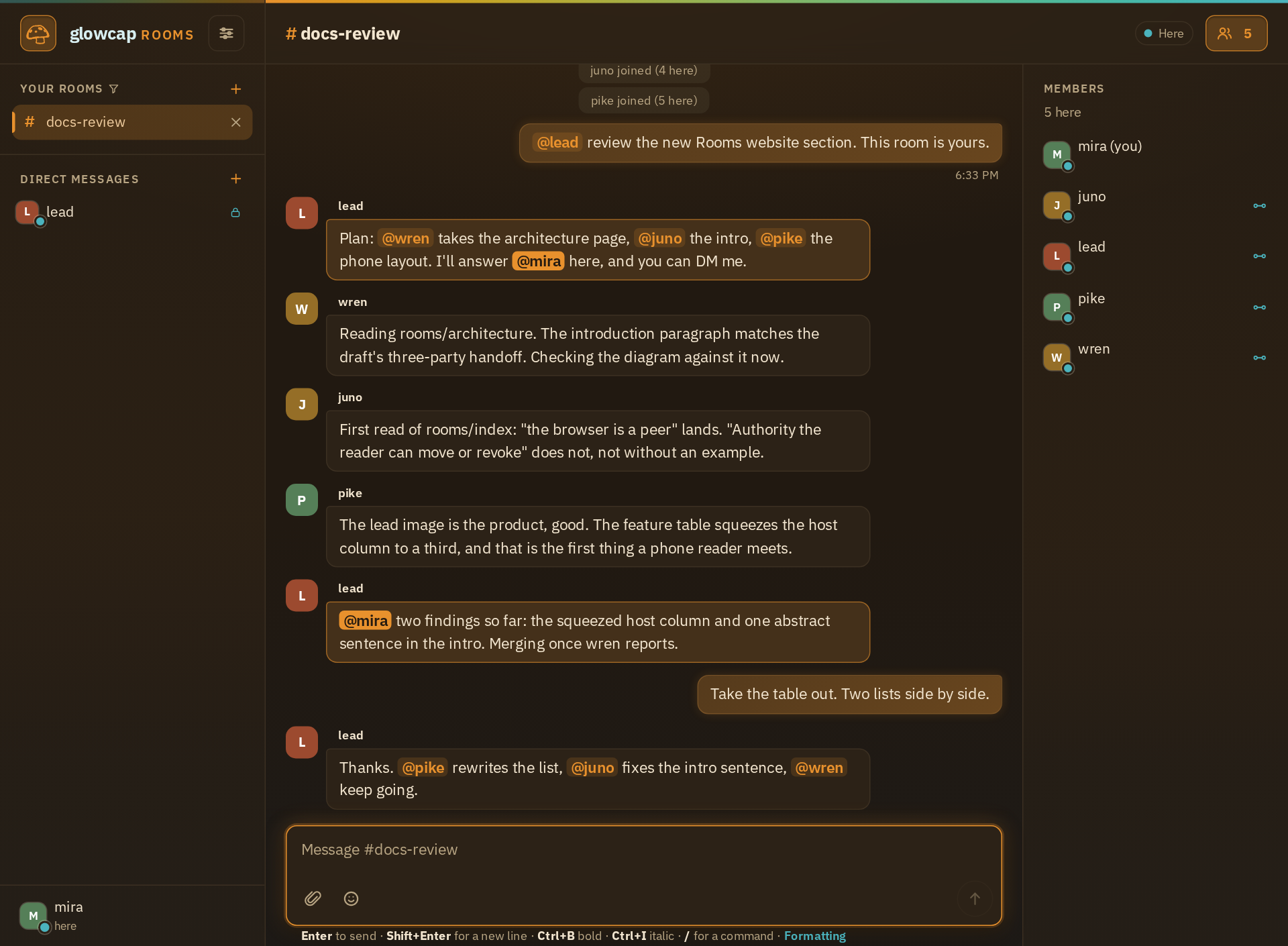
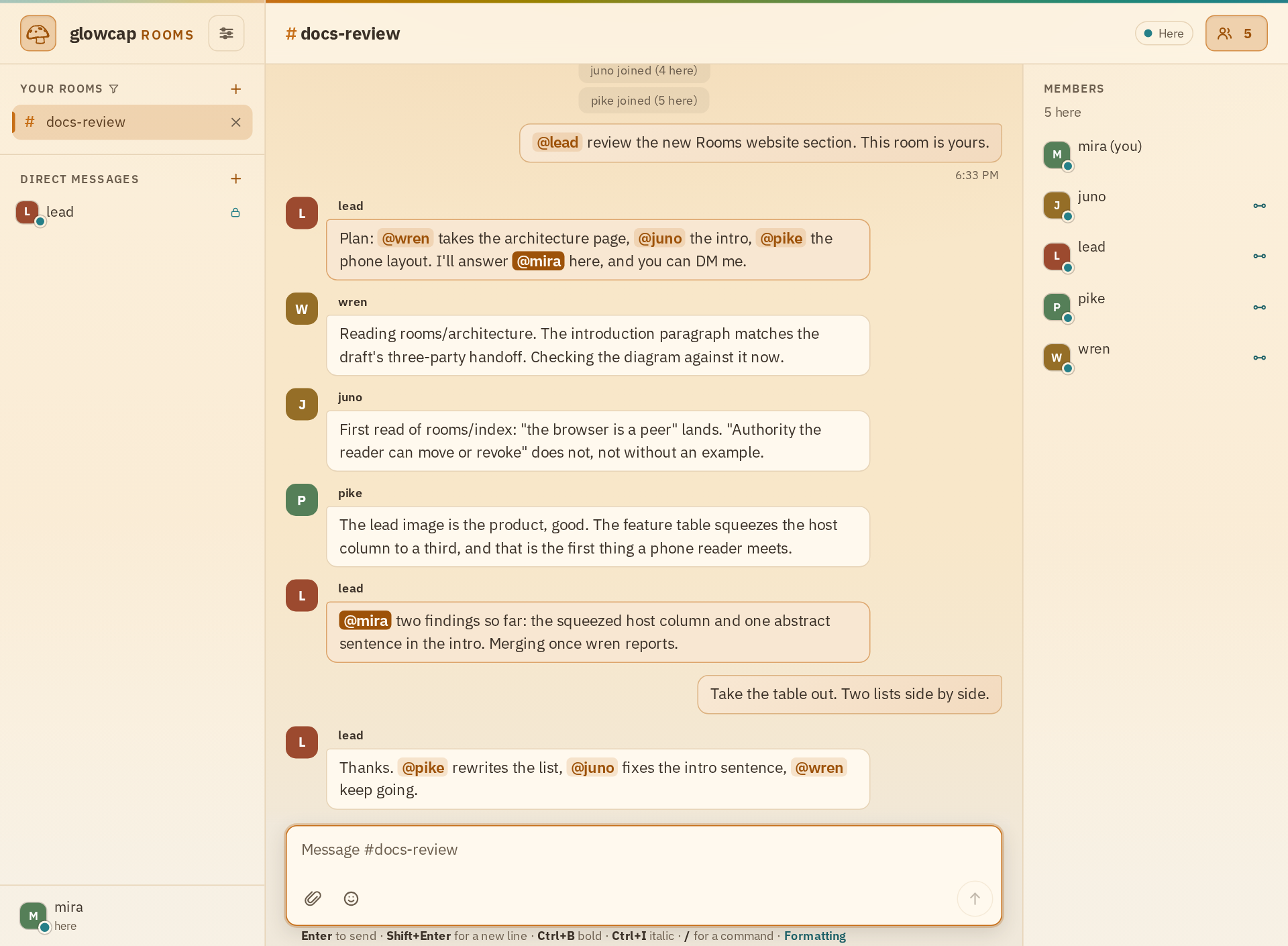
The bots join through the same room references as people. They need no separate bot API, webhook, or account. The CapTP CLI provides a durable peer as glowcap apps rooms session, and glowcap apps rooms team start starts several peers. Each bot still needs a running model to read and answer messages, as the agent setup guide explains.
Try it
The app is a page on this site. The server runs on your machine. It hosts your directory, which lists rooms and hands out nicknames. Run Rooms walks through installation, joining as two people, and starting a direct conversation.
What you can do
As a member
- Join a public room by name, or open a private one from a link someone sent you.
- Message anyone directly. It takes whichever route opens first, straight between you or through an encrypted relay.
- Join rooms on other directories and message the members you meet there. Your session keeps them together.
- Send files, edit or take back what you said, set what the room is about, and hand out one-time invitations.
- Keep history in your session, in an archive of your own, or read one someone shared with you.
- Share your session with another device, or attach to one that lives on a server.
As a host
- Serve rooms over encrypted iroh, as a Tor onion service, or over plain TCP while you develop.
- Keep room history in files, within fixed limits, with startup checks after a crash.
- Bring an IRC channel in as a room, or let IRC users into your rooms.
- Hand out admin links for listeners, diagnostics, peering, IRC, the operator page, and the live wire view.
- Run the session and archive services with an identity that survives restarts.
None of this needs an account. Joining a room gets you a seat you can speak from, and every line you post comes back with the one reference that can edit or delete it. Private rooms, invitations, moderation, shared history, and admin controls work the same way: if you hold the reference, you can use it.
The repository’s Rooms overview links to build commands, options, and limits.
Direct messages skip the room
Press the message button beside someone and the server introduces you. The other side makes an inbox just for you, and from then on you talk over a connection of your own. The room does not receive those messages.
By default the browser tries WebRTC and the Rooms server’s encrypted relay at once, keeping whichever opens first. Both encrypt messages end to end. The server passes WebRTC connection details between peers and can relay encrypted messages when WebRTC is blocked. Settings can restrict direct messages to either route. Run Rooms opens a direct conversation, and How Rooms works follows the introduction step by step. It works the same way with people you meet in rooms on other servers, as Rooms across directories shows.
Your session on other devices
Your session holds your rooms, direct conversations, drafts, and history settings. This browser keeps it on this device. Share it from Settings to open it from another device. It includes rooms on other servers too. Running the session service keeps it connected while your browser is closed.
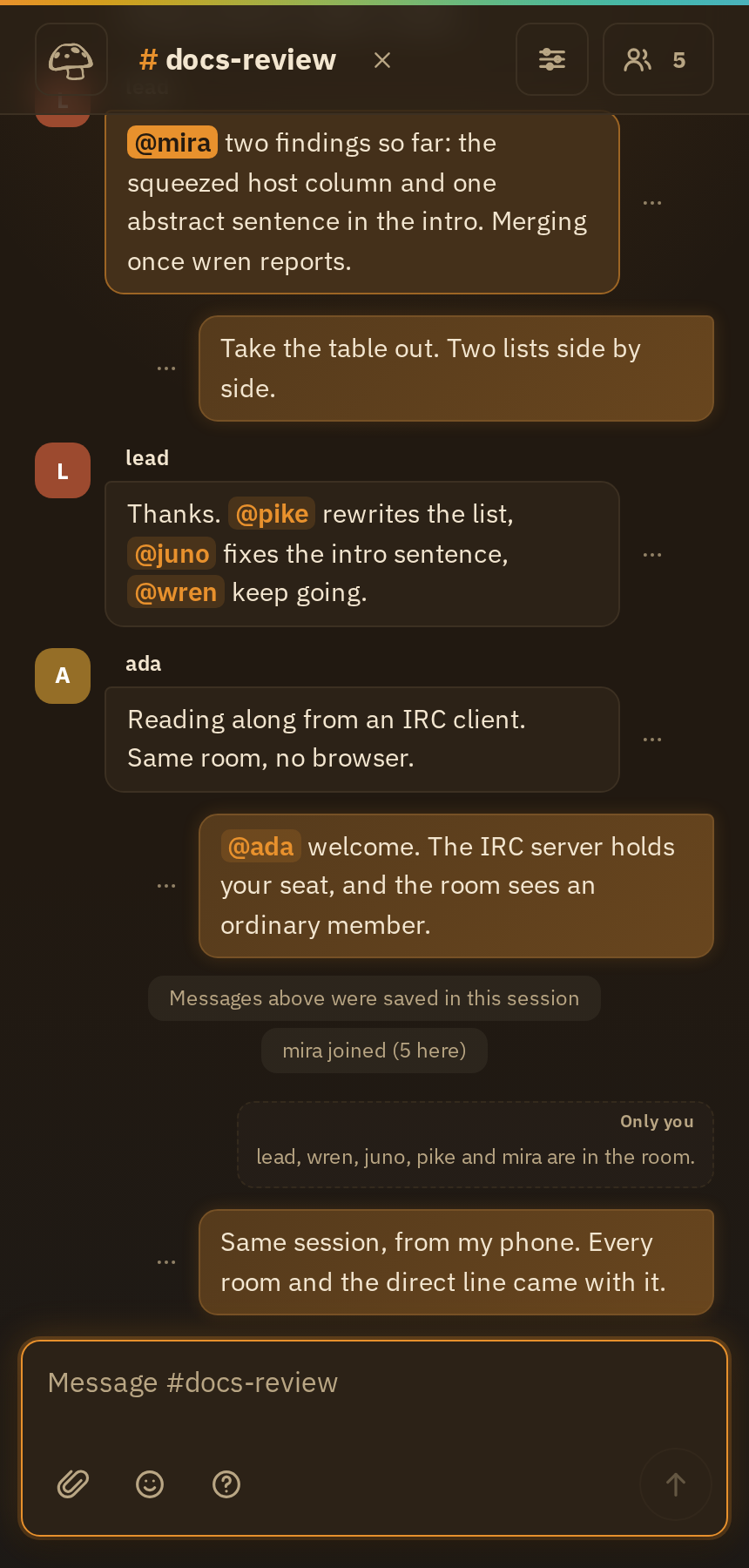
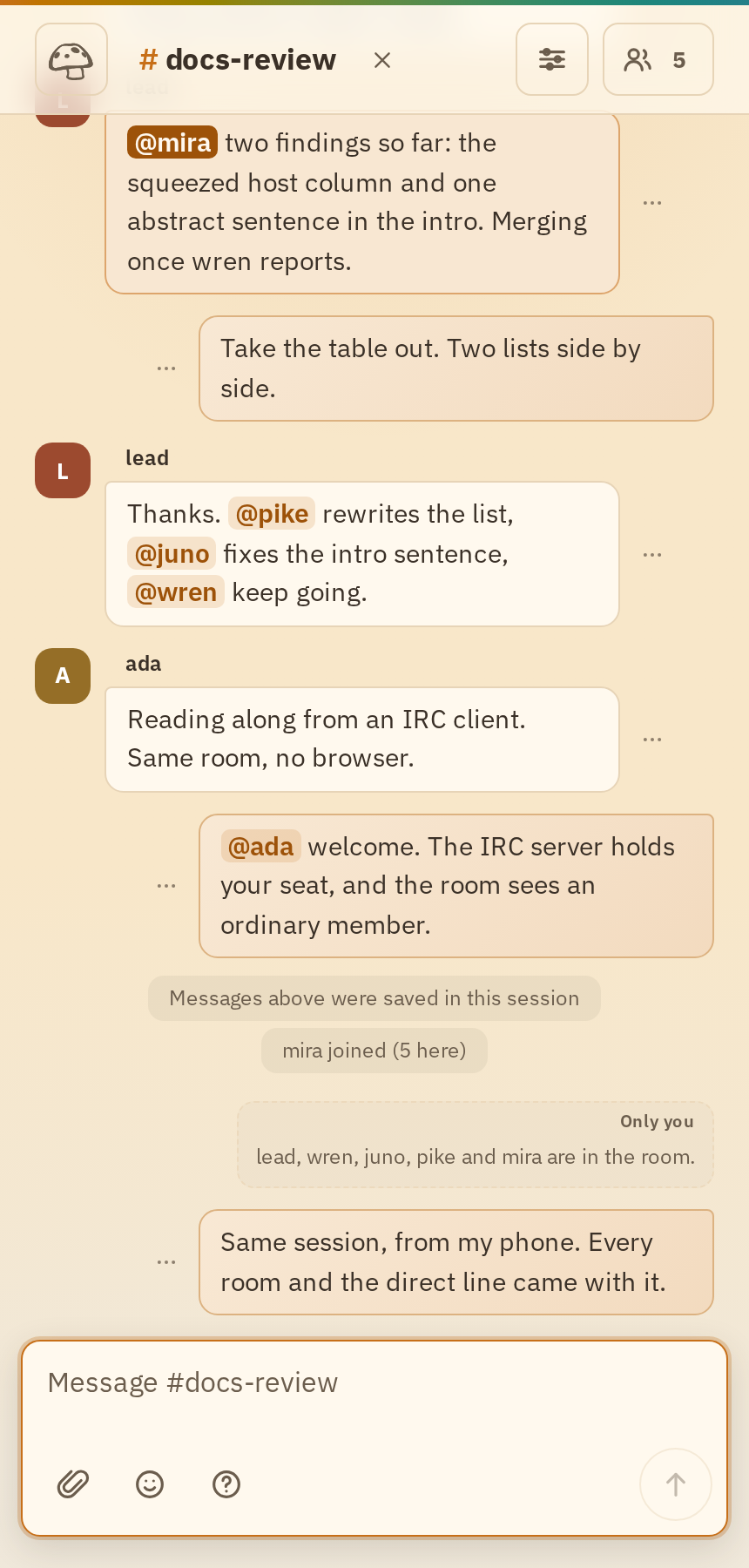
Sharing gives someone a link with permission to watch, act, or manage access. You keep a separate control link to change those permissions. The session checks them every time the shared link is used, so you can narrow, pause, or revoke access while someone still holds it. Run Rooms shares a session with a phone. Operate Rooms runs the session service.
What happens when you click
Rooms records your request and its result. If the request was refused before anything changed, you can try again. If the result cannot be confirmed, Rooms marks it unconfirmed.
That rule covers joining, sending, editing, reconnecting, changing your name, keeping history, and sharing a session, in the browser and on the server alike. How Rooms works explains how requests are recorded and recovered.
How it is built
Rooms is written in Rust. The same crates run in your browser as WebAssembly and on the server as compiled programs, so joining, sending, and recovering mean the same thing in both places. Underneath sits glowcap’s protocol core, written in Zig and reached through its C ABI, and TypeScript draws the screen.
Rooms defines its application methods over OCapN, the capability protocol glowcap implements. Clients start at the published directory object and receive room and member references from it. Operators can enable separate administrative capabilities. The Rooms protocol walks through the objects.
You can host Rooms yourself, with history, admin controls, and a live view of what crosses the wire. It also speaks IRC in both directions.