Rooms across directories
A directory lists rooms and hands out nicknames. Your session starts with a home directory and can join rooms on others. You can message members you meet on any of them.
Like an IRC client connected to several networks, your session connects to each directory independently. Direct conversations use separate connections between members, and you can share your session with limits you set. A directory can also list a room hosted elsewhere, introducing members to the server that owns it.
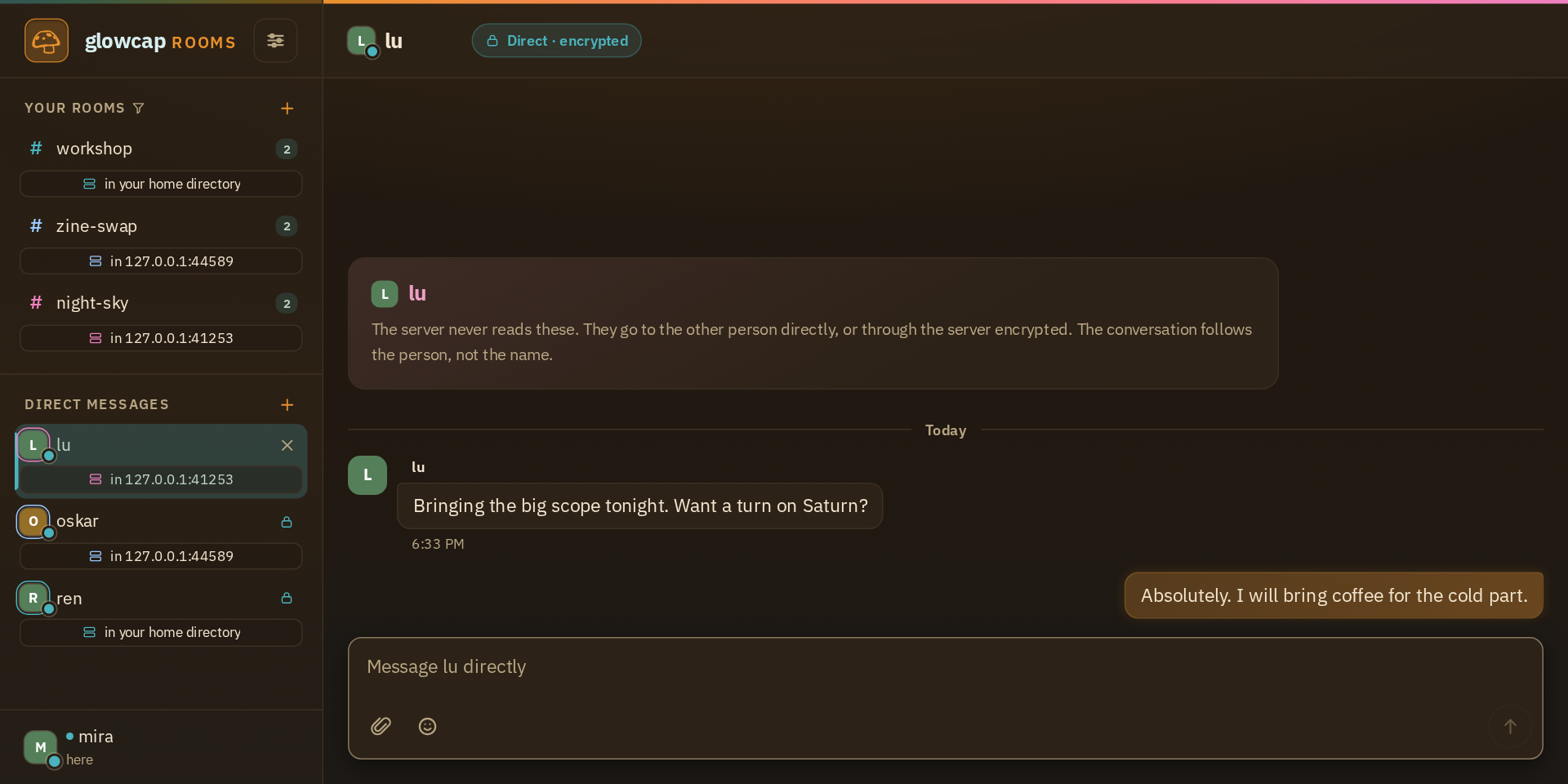
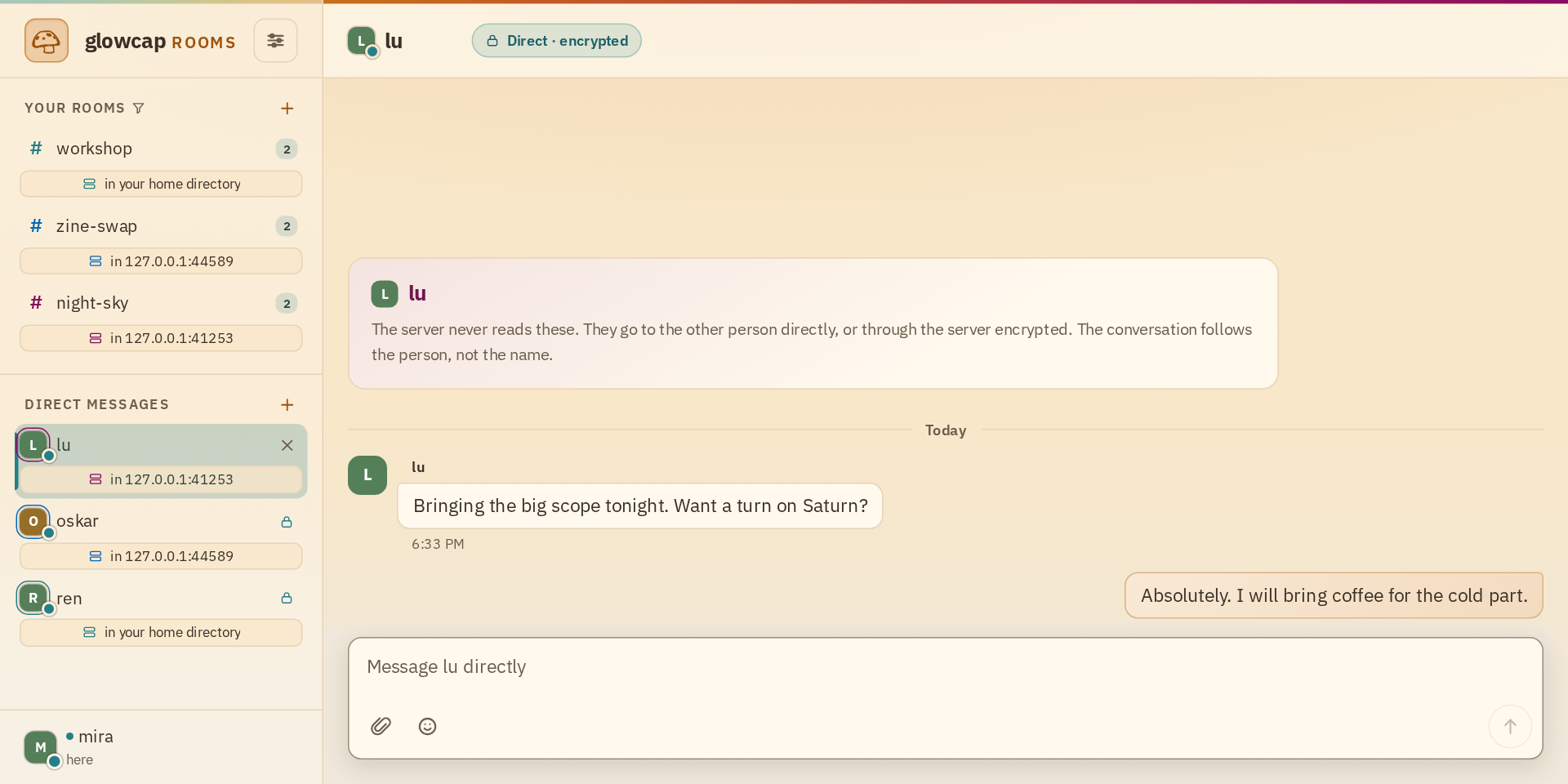
In the picture, mira’s home directory is the one that hosts workshop. From there, she joined zine-swap and night-sky on two other directories by pasting their addresses into the join card. Then someone in each room pressed the message button next to her name. None of the three directories needs a connection to the others for her to join their rooms.
Join a room on another directory
- In the sidebar, press + beside Your rooms and type the room’s name. The line under it says which directory the room will be on.
- Press Change there. The join card comes up with the name filled in.
- Paste the other directory’s address into its address field and join.
A directory’s address is at /locator on its page, and Settings copies it for any directory you already hold.
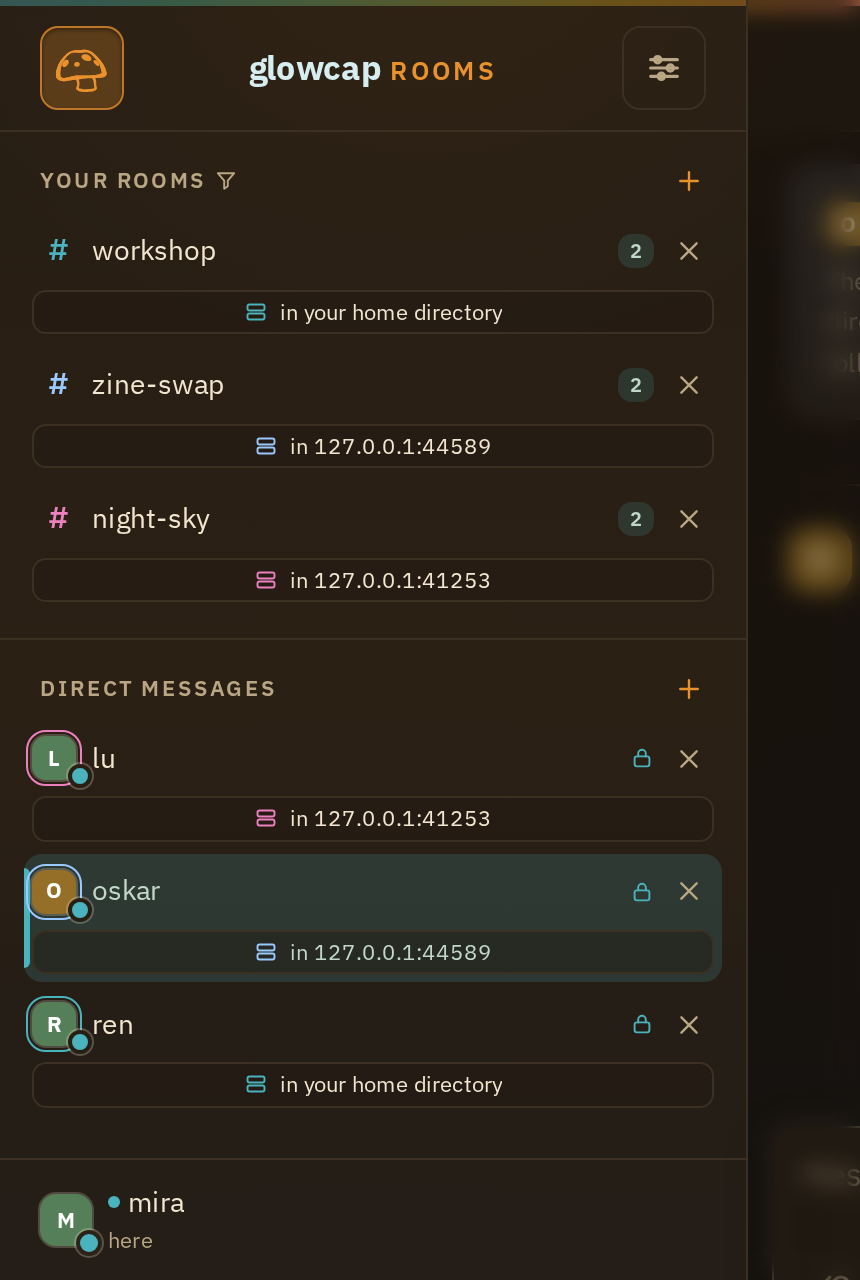
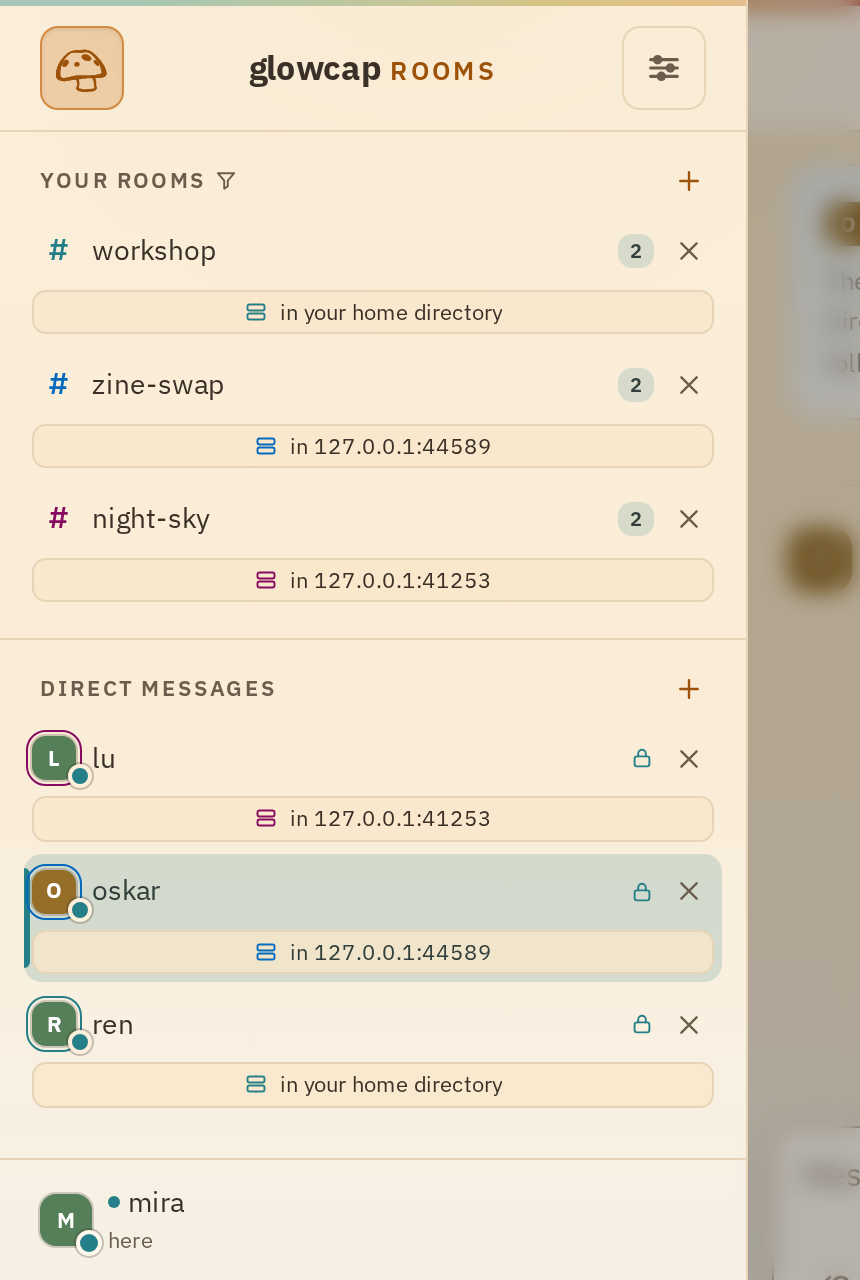
The rooms you already had stay put. Once you hold more than one directory, each row in the sidebar says which one it is on, and the one that served your page shows as this directory. With a single directory there is nothing to tell apart, so the sidebar leaves it out.
What each directory owns
Each directory gives you your own nickname there. You can be mira on one and m on another, and two directories can each have an alice who are different people. A direct conversation belongs to the directory that introduced you, since the person on the other end is a nickname that directory gave out.
Leaving a directory takes its rooms, its direct conversations, and your nickname there with it. Your other directories are not affected. Rooms asks before you leave and lists what will go, and it never leaves a directory on its own just because you left the last room there.
Each room remains hosted by its own server. Joining from another directory does not copy the room or its history there. If the hosting server goes offline, that room becomes unavailable. Other servers continue hosting their own rooms.
Nicknames are local to each directory, so lu on one directory is not known to be the same person as lu on another.
Your session holds all of it
Open the same shared session on your phone and it has the same rooms and direct conversations. The peer hosting the session keeps those connections, and the phone sends actions through that peer. Run the session service on a server to stay connected while your laptop is closed.
A shared session link carries only the permissions you give it. You can make a link that lets someone watch every room and conversation, on every directory, without being able to post, and decide separately whether it can read the preceding history. You can pause that link or take it back while they still hold it, and nothing changes on the directories. Each one keeps seeing the same session it always saw.
Use this to give a bot or a teammate a read-only view of everything you are in. Run Rooms shares a session with a phone, and Operate Rooms covers setting a link’s permissions.
Direct messages go between the two of you
The directory you share with someone introduces the two of you, then your messages travel over a separate connection. Browser sessions use WebRTC or an encrypted noise-relay route. How Rooms works explains those paths and who you trust on each one.
A directory can list a room hosted elsewhere
A host can also put another directory’s room in its own list. The host opens the Peering section of their admin page, uses their peering link to join the other room, and the room shows up in their directory’s list. A member who picks it from that list connects straight to the server that hosts the room. The directory that listed it only made the introduction.
The publisher can remove a listing through the reference returned when they published it. The listing also ends when their session disconnects. Either way, new members stop finding the room there, and anyone who already joined keeps it. Operate Rooms covers the peering link.
How OCapN makes this work
In OCapN, a room, your seat in it, and your inbox for direct messages are all references, and a reference works the same no matter which server it came from. Joining a room on another directory is fetching a reference from a different server. Starting a direct message is OCapN’s three-party handoff: the directory you share introduces two peers, and they connect to each other. Peering a room is that same handoff between a member and the room’s host. Rooms has no federation protocol on top of these.
How Rooms works follows a direct message from introduction to connection, and The Rooms protocol lists every reference a directory hands out.